How to use Datama Light in Excel
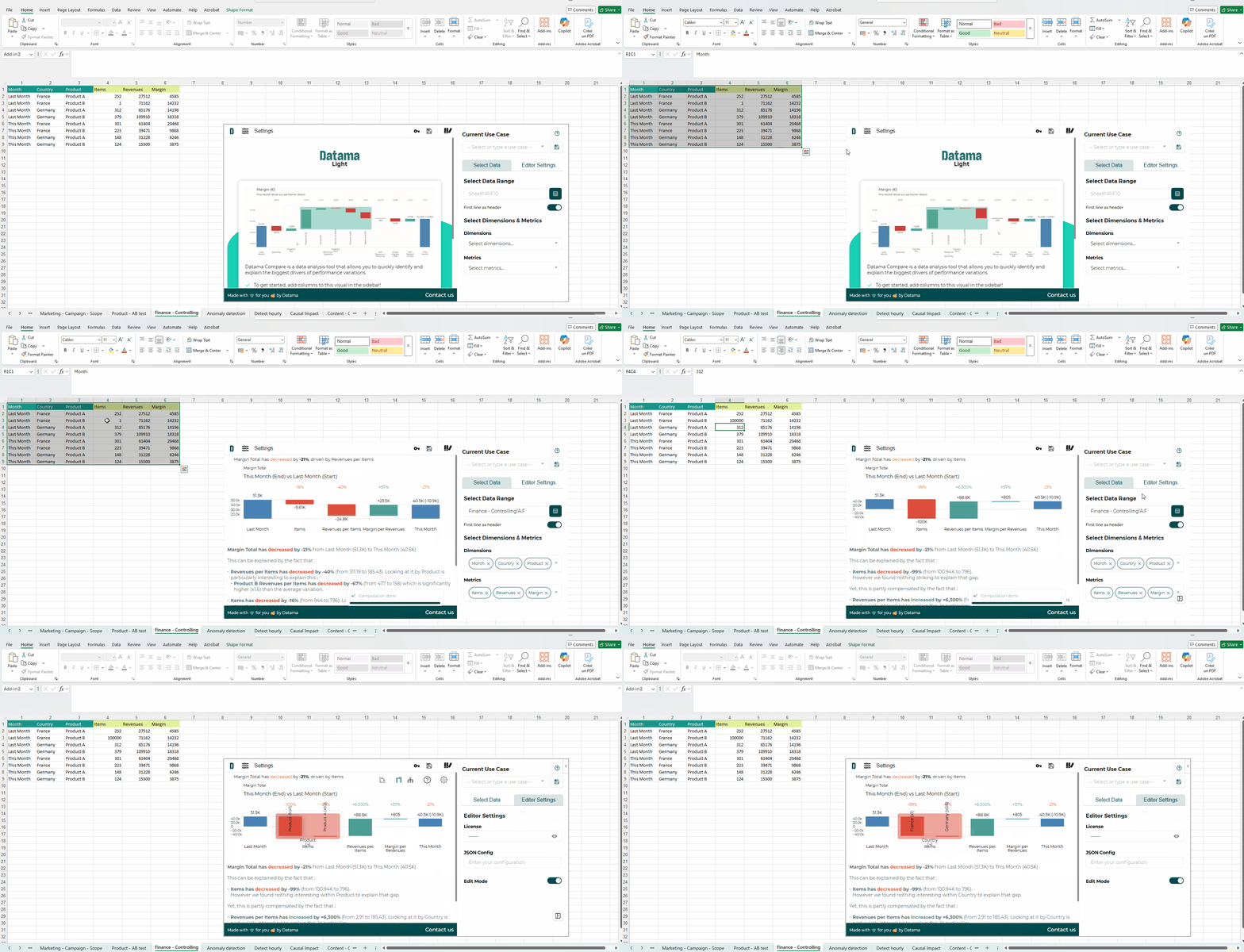
Using Datama Solutions in Excel is a great way to analyze KPI variations directly where your data already lives.
Datama for Excel is available as an add-on. You can work from your spreadsheet data without exporting it to another visualization tool.
Here are the currently existing extensions, and related documentation.
- Datama Compare: Explain variations through dynamic waterfall and KPI tree
Excel is a good fit when you want to:
- analyze KPI changes directly from operational spreadsheet data
- prototype an analysis quickly before moving to a BI environment
- share a lightweight Datama workflow with business users already working in Sheets
To go further, open the Excel solution documentation to learn how to prepare your dataset, configure the add-on, and read the analysis.
Note: Learn how Datama for Excel handles personal information and security in Privacy Policy (Excel Add-in)